

GPT Desktop is not ready for the desktop.
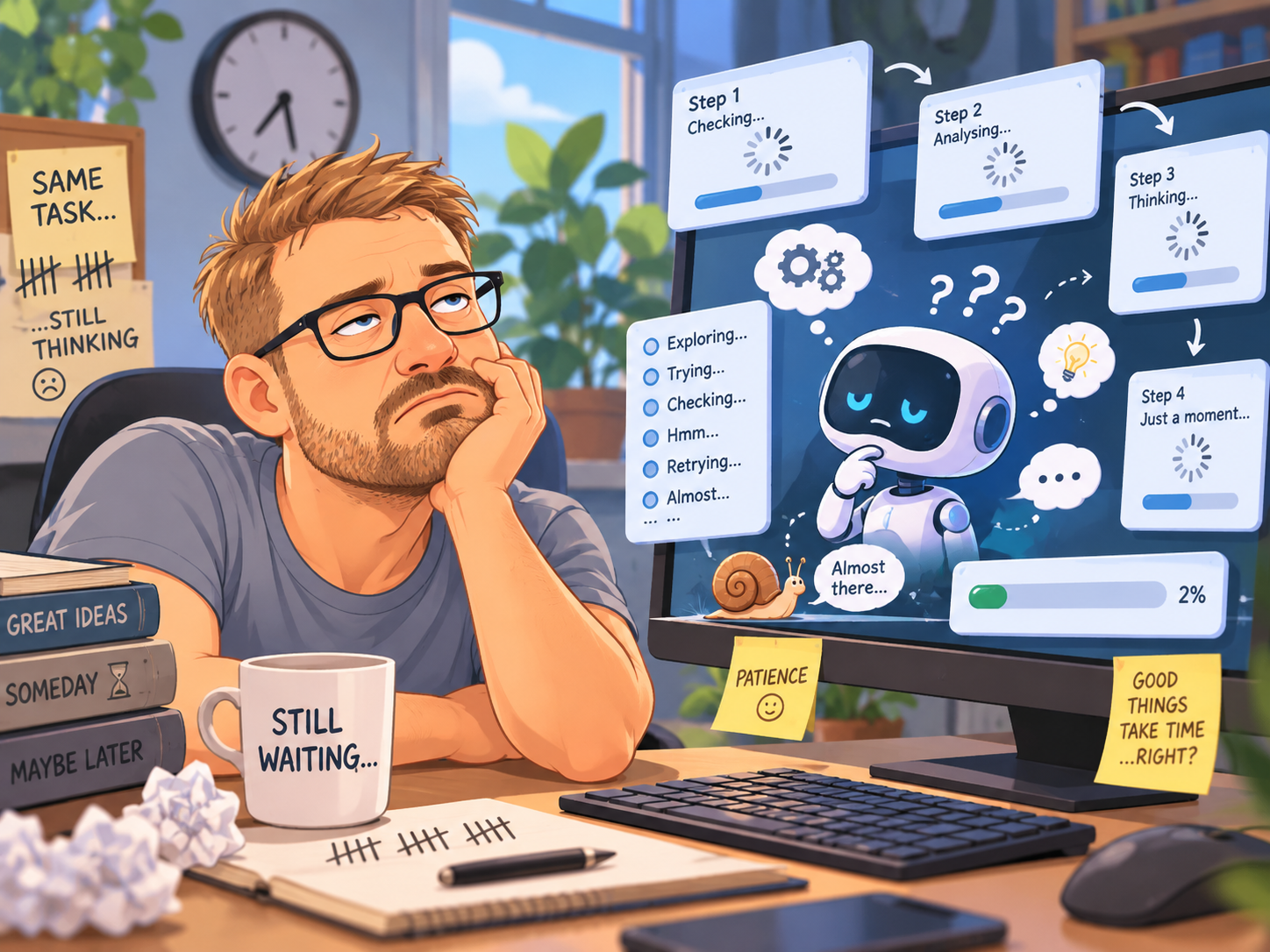
AI agents can now use a computer rather like a human does. Unfortunately, this occasionally includes staring at the screen for ages, clicking the wrong thing and then giving up.
I really want desktop AI agents to work.
Not in the abstract, TED-talk sense of imagine a future where your digital companion seamlessly orchestrates your life. I mean in the much less glamorous sense that I would quite like to say, “take this image, put it into Illustrator, make it 6000 by 6000 pixels and save it in that folder,” then go and make a cup of tea.
That is the dream. Not artificial general intelligence. Not immortality. A robot that can resize a T-shirt design without requiring emotional support.
And, to be fair, we are tantalisingly close. Modern computer-use agents can look at graphical interfaces, reason about what they see and operate a virtual mouse and keyboard. OpenAI's original Computer-Using Agent description describes an iterative loop of perception, reasoning and action: look at the screen, decide what to do, click something, look again. In principle, that gives an AI access to almost any software a human can use, without waiting for every application on Earth to build a bespoke API.
It is a wonderfully general idea.
It is also, in my recent experience, an absolutely terrible way to spend five minutes.
The world’s most overqualified mouse
I have been trying GPT desktop control for fairly ordinary tasks. Open an application. Navigate to something. Move an image. Save a file. The sort of thing traditional robotic process automation has been doing for years with all the personality of a municipal parking meter.
The difference is that old-fashioned RPA is brittle but fast. Tell it that the button is here, the field is there and the next screen follows this one, and it will cheerfully repeat the same sequence 10,000 times until somebody changes the website by three pixels and the whole thing falls into a hedge.
AI agents promise something better. They can supposedly understand the interface. If a button moves, they should find it. If a dialogue box appears, they should interpret it. If the workflow changes slightly, they should adapt rather than collapsing because “Submit” is now “Continue”.
That adaptability is genuinely valuable.
But the current trade-off can feel absurd. My experience has involved long pauses on screens before anything happens, Chrome errors about being unable to verify an address, actions that appear to stall, questions asked halfway through a workflow without the interface making it obvious that the agent is waiting for me, and eventually the rather magnificent finale: running out of usage credits after several minutes of not successfully doing the thing.
This is less “digital employee” and more “new starter on their first morning who has forgotten their password”.
Is it actually looking at the whole screen every time?
The frustrating part is that some of this slowness is not mysterious. The underlying problem is hard.
OpenAI’s published CUA architecture explicitly describes screenshots being added to the model context before the model reasons about the next action and operates the mouse or keyboard. That is fantastically flexible, but it means a seemingly trivial sequence — click menu, choose item, enter value, press save — can become a repeated cycle of perception and inference.
See. Think. Click. See. Think. Click.
Humans do this too, of course. But humans have an enormous amount of cached understanding. I do not reanalyse Microsoft Word from first principles every time I want Bold. I know roughly where Bold lives. I know what a ribbon is. I know the little floppy-disk icon is somehow still culturally immortal despite an increasing proportion of the population never having seen the object it depicts.
A good automation system needs its own equivalent of that familiarity.
This is why I suspect the future of desktop agents will not be a pure “AI watches pixels and pretends to be a person” model. Research is already pointing towards hybrid approaches. Microsoft Research's UFO2 work combines Windows UI Automation with visual parsing, native APIs and application-specific agents. Other desktop-agent research uses accessibility trees and structured interface information alongside screenshots.
The basic idea is obvious once you see it: if the computer already knows that something is a button called “Save”, perhaps we should tell the agent rather than asking a multimodal model to rediscover civilisation from a JPEG.
RPA was boring for a reason
There is a temptation in AI to treat deterministic technology as embarrassingly old-fashioned. Rules? Scripts? APIs? How terribly 2022.
But determinism is extremely useful when you know what needs to happen.
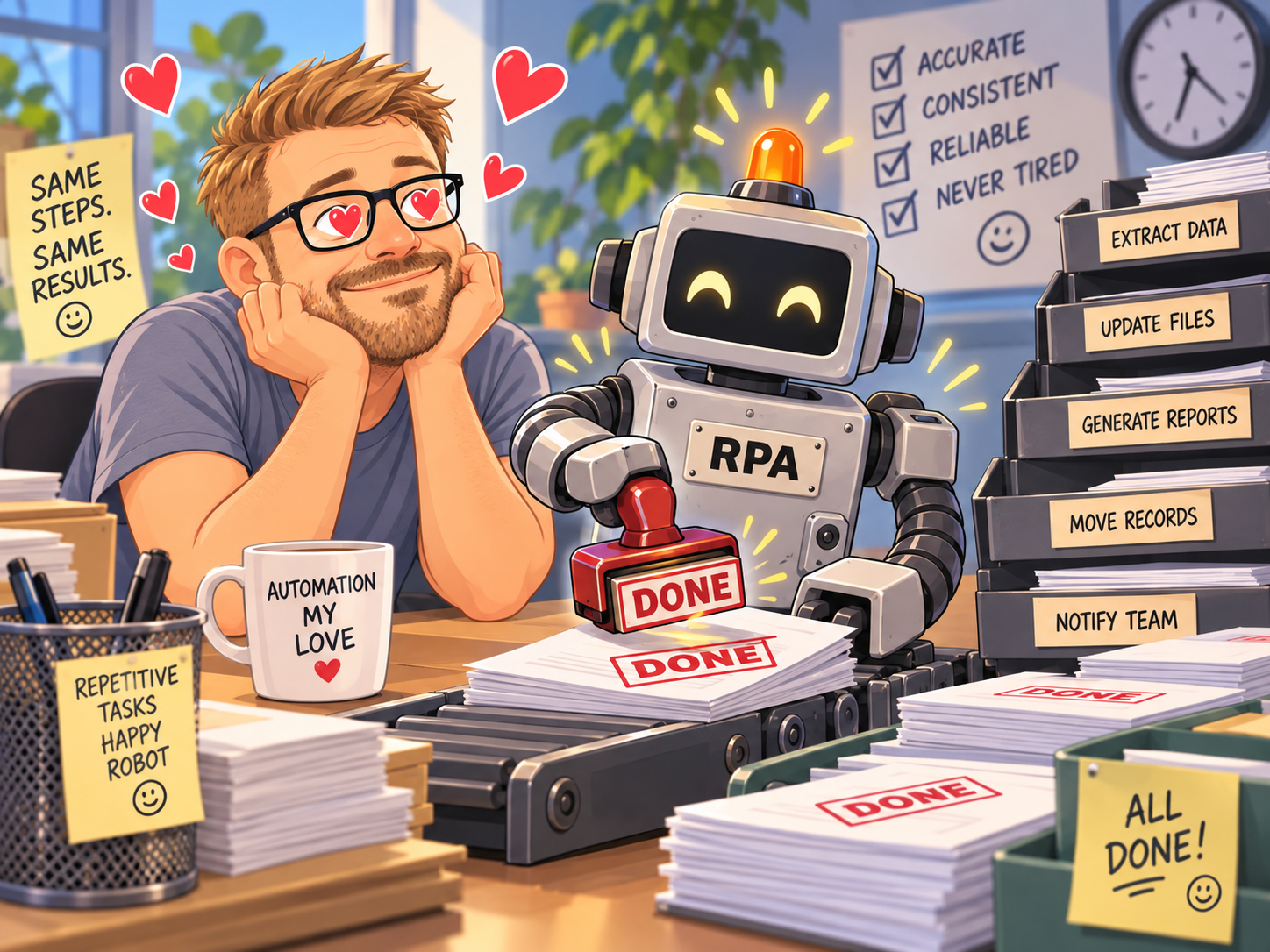
If I want an agent to inspect an unfamiliar application and work out a novel process, give me the clever multimodal model. If I want it to perform the same known five-step sequence for the hundredth time, I would rather it remembered the route.
That suggests a more sensible architecture: use the model for ambiguity and judgement, but progressively turn familiar actions into reusable skills. Cache what has already been learnt. Retrieve relevant UI knowledge instead of rediscovering it. Use semantic element selection where the operating system exposes it. Call APIs when APIs are available. Execute deterministic subroutines for stable sequences. Re-engage the expensive reasoning machinery when something genuinely unexpected happens.
In other words, the AI should be the manager of the automation, not necessarily the person manually moving every box in the warehouse.
There is some evidence for this direction. A June 2026 study comparing screen-only GUI agents with skill-mediated command-line agents found different bottlenecks in each approach: GUI agents struggled with reliable grounded interaction over longer workflows, while programmatic agents were constrained by the coverage of their available skills. When those skills were augmented, the best CLI setup in that experiment rose from a 48.2% to 69.3% full-pass rate, versus 59.1% for the strongest GUI agent.
That does not prove a single winning architecture, but it does rather undermine the idea that staring harder at the screen is the inevitable endpoint.
The interface matters as much as the intelligence
There is another, less glamorous problem: handoff.
An agent can be technically correct and still feel broken if the human does not know whether it is thinking, stuck, waiting for permission or quietly composing a sonnet about the Chrome address bar.
If the agent needs me, tell me loudly. Bring me back to the conversation. Show me what step it reached. Explain what failed. Preserve enough state that I can intervene without restarting the entire expedition from Dover.
This sounds like product-design trivia compared with model intelligence. It is not. Automation is fundamentally about trust. Every mysterious pause chips away at it. Every inexplicable retry makes me more likely to grab the mouse. Once I am supervising every click, the automation has achieved the impressive feat of creating a new job for me.
So is desktop AI fundamentally flawed?
I do not think so.
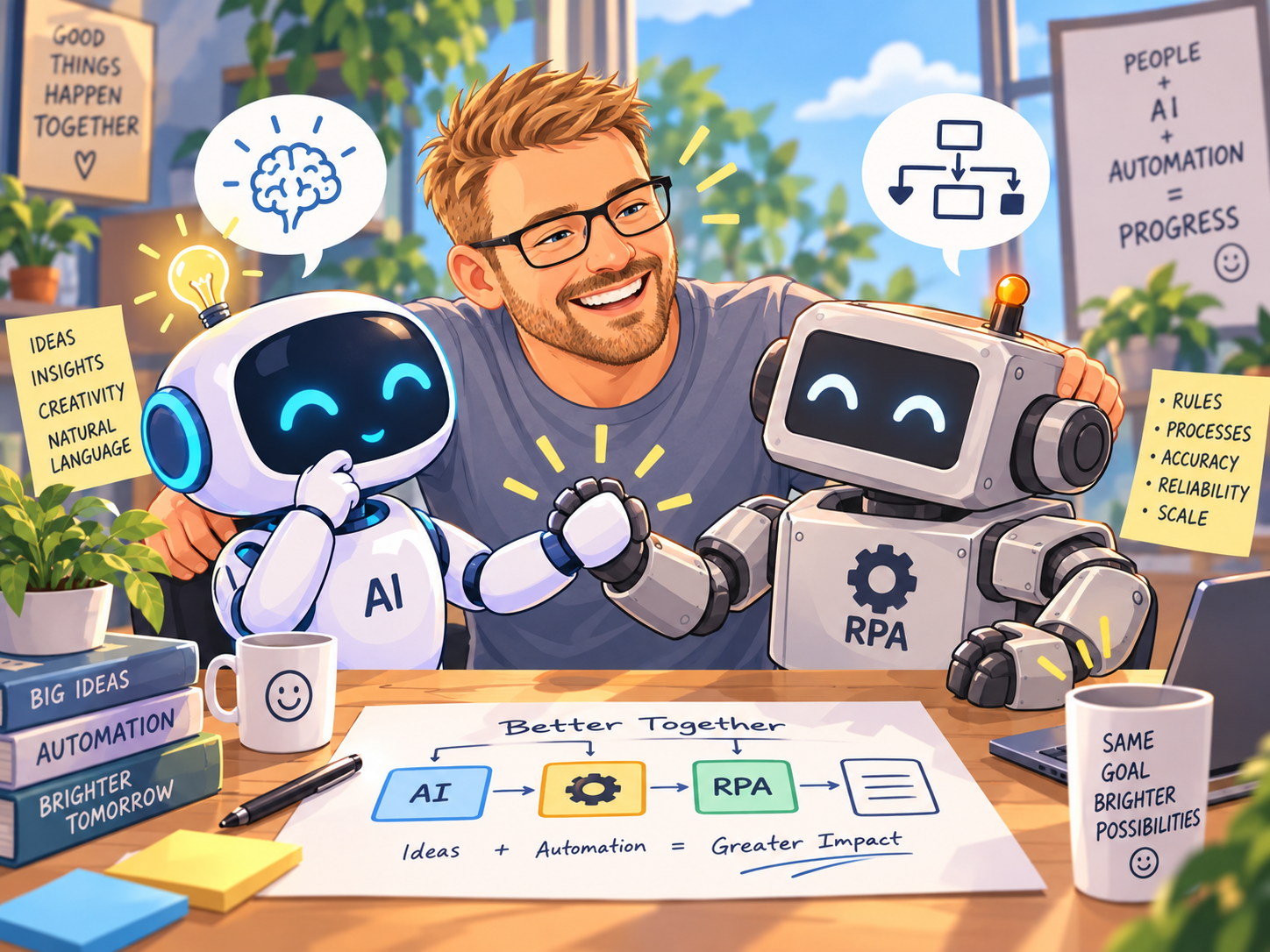
The generality is too useful. Traditional RPA works beautifully inside the boundaries somebody anticipated. AI agents offer the possibility of operating outside them. The eventual combination could be much more powerful than either approach alone: models for interpretation, planning and exception handling; structured interfaces, APIs and deterministic skills for execution.
But that is also why I find the current experience so irritating. I can see the destination. I can almost touch it. And then the agent spends forty seconds contemplating a button marked “Continue”.
Perhaps this is simply what an immature technology looks like. Early web browsers were clunky. Early smartphones were compromised. Early voice assistants made us repeat ourselves until we started speaking to the kitchen like a hostage negotiator.
The danger is not that desktop agents are bad today. The danger is pretending that slowness and unreliability are somehow inherent signs of sophistication — that because the system is “reasoning”, we should accept a workflow that feels worse than the dumb automation it is replacing.
I want the clever bit. I just also want the boring bit.
Let the AI understand what I mean. Let it recover when the unexpected happens. Let it ask sensible questions when judgement is required.
But once it knows where the button is, for heaven’s sake, remember where the button is.